 Hidy Vault
How to remove location from iPhone photos
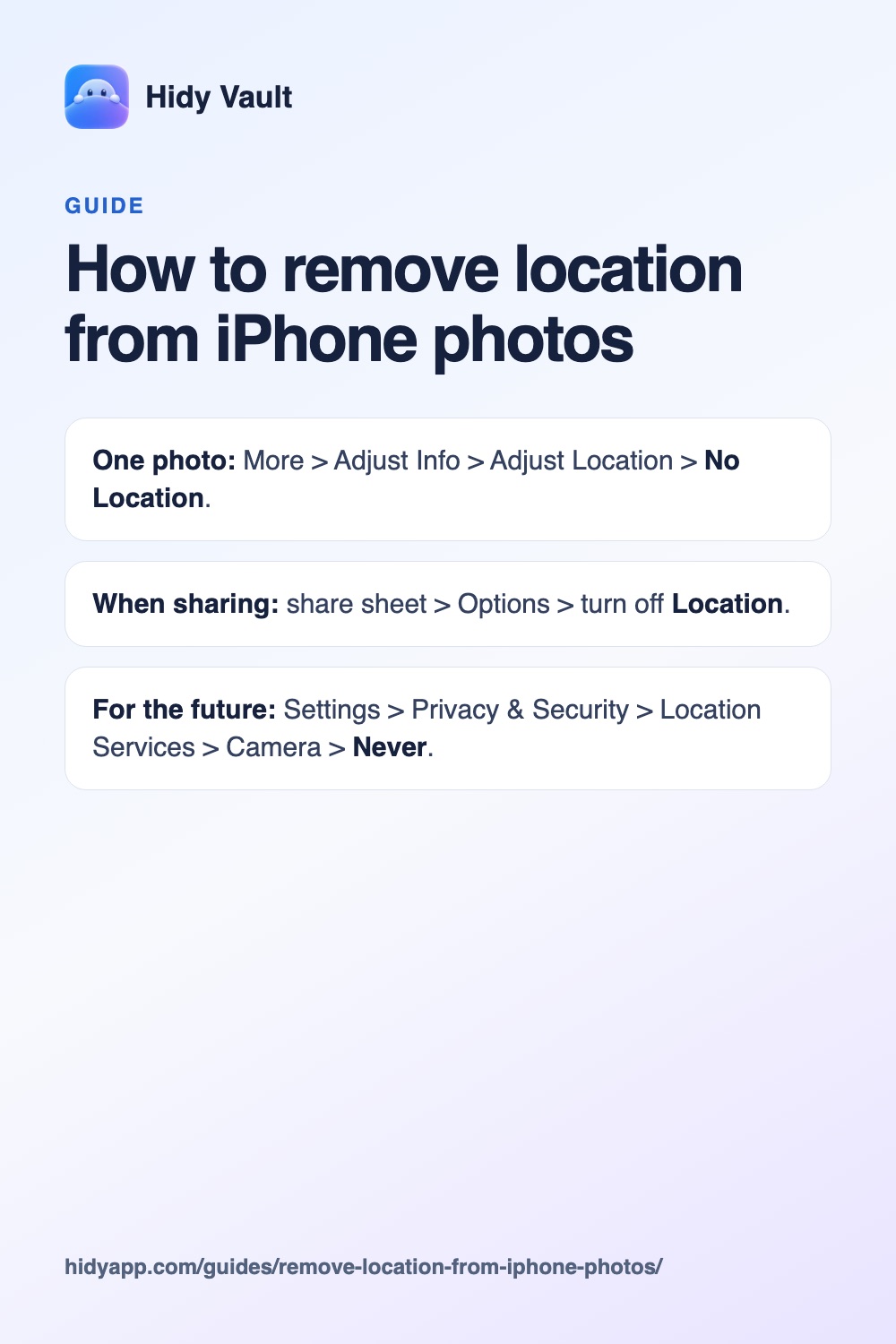
Open the photo, tap the More button, then Adjust Info, Adjust Location and No Location. To send a photo without its location, tap Options in the share sheet and turn off Location. To stop recording location at all, set the Camera's Location Services to Never.
- One photo: More > Adjust Info > Adjust Location > No Location.
- When sharing: share sheet > Options > turn off Location.
- For the future: Settings > Privacy & Security > Location Services > Camera > Never.
Why remove it
Photos taken with the iPhone camera usually store the exact location. A photo posted from home, from a child's school or from a hotel room tells anyone who downloads it where that is.
1. Remove location from a photo
- Open the photo in Photos.
- Tap the More button, then Adjust Info.
- Tap Adjust Location, then No Location.
Hidy Vault keeps photos, videos and documents in encrypted vaults that open only with a pattern you draw. No account, no Hidy server. Free for 3 vaults.
2. Share without location
- Select the photos and tap the Share button.
- Tap Options at the top and turn off Location. The sheet shows "Location Not Included".
- Share as usual.
3. Stop recording location
Open Settings > Privacy & Security > Location Services > Camera and choose Never. New photos won't record where they were taken. Photos already taken keep their location.
4. Strip all metadata in your browser
Our free photo metadata remover shows what a photo contains and saves a clean copy without location, camera details or timestamps. It runs on your device; the photo isn't uploaded.
For photos you keep private
Hidy Vault imports photos in Optimized quality by default, which removes location data as they enter the vault. See location removal.
Frequently asked questions
Does the share sheet remove all metadata?
The Location switch removes location. Other details such as the camera model and the time it was taken can remain. Our free metadata remover strips all of it.
Do screenshots have location?
Screenshots don't record GPS location the way camera photos do, but they can show sensitive things on screen.
Does Hidy remove location?
Yes, Hidy's default Optimized import removes location data from photos and videos as they enter the vault.