 Hidy Vault
How to make a secret folder on iPhone
iPhone has no single secret folder. Photos has a locked Hidden album, Notes can lock individual notes, and on iOS 18 and later you can make the Files app require Face ID. All three open with your iPhone passcode. For one folder that holds photos, documents and notes behind its own secret, use an encrypted vault app.
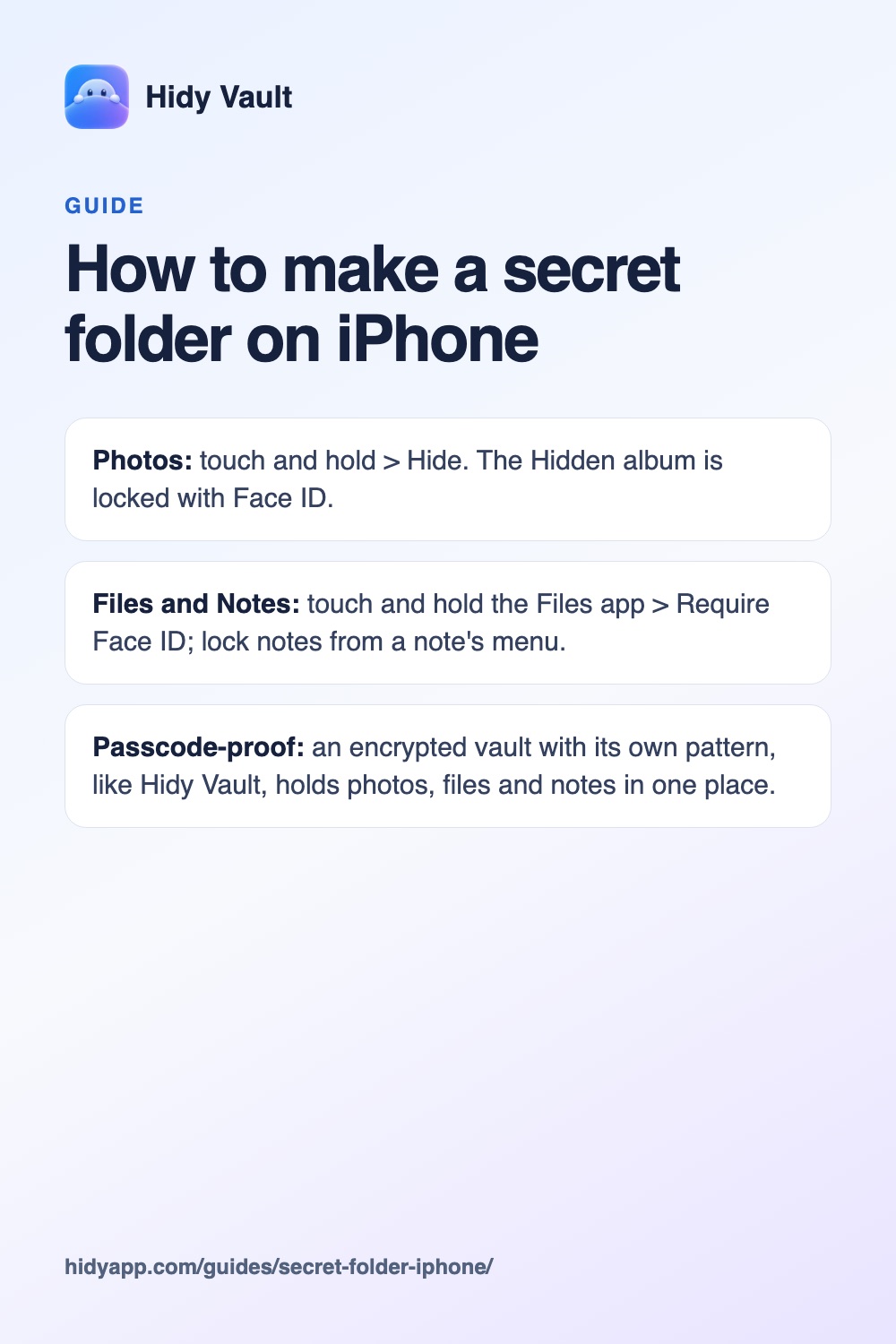
- Photos: touch and hold > Hide. The Hidden album is locked with Face ID.
- Files and Notes: touch and hold the Files app > Require Face ID; lock notes from a note's menu.
- Passcode-proof: an encrypted vault with its own pattern, like Hidy Vault, holds photos, files and notes in one place.
People searching for a secret folder on iPhone usually want one of three things: photos out of the camera roll, documents like ID scans out of sight, or private notes nobody can read over their shoulder. iOS handles each of these in a different app, with a different lock. Here's what each one does and where it stops.
Is there a built-in secret folder on iPhone?
Not a general one. The closest built-in options are:
- The Hidden album in Photos, for photos and videos.
- Locked notes in Notes, for text, checklists and images.
- A locked Files app (iOS 18 and later), for documents.
- The Hidden folder in App Library. It holds apps you've hidden, not files.
Used together they cover most things. The catch is that each one unlocks with Face ID or your iPhone passcode, so anyone who knows your passcode can open all of them.
How do I make a secret photo folder?
- Open Photos and touch and hold the photo or video.
- Tap Hide and confirm. For several at once, tap Select, choose them, tap the More button, then Hide.
- To hide the album too, open Settings > Apps > Photos and turn off Show Hidden Album.
Apple says the Hidden album is locked by default and needs authentication to open. If you use iCloud Photos, photos you hide on one device are hidden on your other devices too. The full walkthrough, including Recently Deleted, is in how to hide photos on iPhone.
Hidy Vault keeps photos, videos and documents in encrypted vaults that open only with a pattern you draw. No account, no Hidy server. Free for 3 vaults.
How do I make a secret folder for documents?
In the Files app you can create folders, rename, tag, compress and favorite them. Apple's Files guide lists no option to put a password on one folder. What you can lock is the Files app itself:
- On the Home Screen, touch and hold the Files app.
- Tap Require Face ID (or Touch ID or Passcode).
- Tap Require Face ID again to confirm.
Apple says a locked app needs authentication every time it opens and relocks after you quit it, and its content stays out of search, notification previews and Siri suggestions. Files comes with iPhone, so it can be locked but not hidden. The lock covers every folder in Files, and it only applies to that iPhone; it doesn't sync with iCloud.
How do I lock private notes?
- Open the note in Notes and tap the More button.
- Tap Lock.
You can open locked notes with Face ID, Touch ID, your device passcode or a separate Notes password. Apple lists real limits: the title stays visible in the notes list, opening one locked note opens all locked notes in that account for several minutes, and notes with PDF, video, audio or file attachments, tags, or shared in iCloud can't be locked. Our comparison with locked notes goes further.
How do I make one secret folder for photos, files and notes?
If you want one place for everything, behind a secret your passcode doesn't share, use an encrypted vault. In Hidy Vault:
- Draw a pattern. Connect at least six dots on the 5 × 5 grid. That pattern and a secret in your iPhone's Keychain derive the key that opens the vault.
- Add folders. Tap the new-folder button and name them: IDs, Receipts, Photos. Move items between folders whenever you like.
- Import. Add photos and videos from your library, documents from the Files app, or write notes inside the vault. File contents, names and thumbnails are stored encrypted.
- Delete the originals. Importing makes a copy. After importing from Photos, Hidy offers to delete the originals; iOS keeps them in Recently Deleted for up to 30 days, so empty it. Delete documents you imported from Files yourself.
- Create a recovery phrase in Settings. Its 12 words reopen the vault if you forget the pattern.
Hidy also locks when it goes to the background and covers the app switcher, so the folder doesn't show when you swipe between apps. To keep new photos out of your library altogether, take them with Hidy's camera.
Can I have more than one secret folder?
Yes. Folders inside a vault keep things organized, but everyone who opens the vault sees them. For a space that is truly separate, draw a different pattern: in Hidy, a different valid pattern opens a separate, initially empty vault. The unlock screen has no vault list, so the app itself doesn't show how many vaults you have. The free version includes 3 vaults with 100 photos and 10 videos each, plus documents and notes; Pro removes the limits. See hidden vaults.
Which option for what
| You want to hide | Built in | Opens with your passcode? |
|---|---|---|
| Photos and videos | Hidden album | Yes |
| Text notes | Locked notes | Yes, if Notes uses your device passcode |
| PDFs and documents | Locked Files app | Yes |
| All of these in one place | Encrypted vault app | No, it uses its own pattern |
The limits of any secret folder
- While it's open, it's readable. A vault protects files at rest. Anyone holding your phone while a vault is open can see it, and so can tools authorized to inspect your device.
- Forgetting the secret. Hidy has no account and no reset. Without the pattern or the recovery phrase, nobody can open the vault, including us.
- Traces outside the folder. Hiding or locking an app doesn't remove it from App Store purchase history or Screen Time. Copies you shared in Messages or other apps stay where you sent them.
- Back it up. A vault that exists only on one iPhone is lost with that iPhone. Turn on iCloud backup for the vault or export an encrypted backup file. See backup and recovery.
Frequently asked questions
Does iPhone have a secret folder?
Not one for everything. Photos has the Hidden album, Notes can lock individual notes, and the App Library has a Hidden folder for hidden apps. None of them holds photos, documents and notes together.
Can I password-protect a folder in the Files app?
Apple's Files guide offers no lock or password for a single folder. On iOS 18 and later you can lock the whole Files app with Face ID, Touch ID or your passcode.
Can I lock a note that has a PDF attached?
No. Apple says you can't lock notes with video, audio, PDF or file attachments. Put the PDF in an encrypted vault instead.
Can someone with my passcode open my secret folder?
Yes, if it's the Hidden album, a locked note or a locked app; each accepts your passcode. A vault with its own pattern doesn't open with your passcode.